Your files, finally sorted.
Every download and every file you add goes to the right place by itself. Grid, list, collections, zip, scan and more.
Open it and everything's there
Continue Browsing, Recent, smart Collections (Favorites, This Week, Large Files, Untagged, Duplicates), your Blurbs, and a section for every file type.
- Recently Deleted keeps a safety net for anything you remove.
- Import from Files and Photos, or send files from any app.
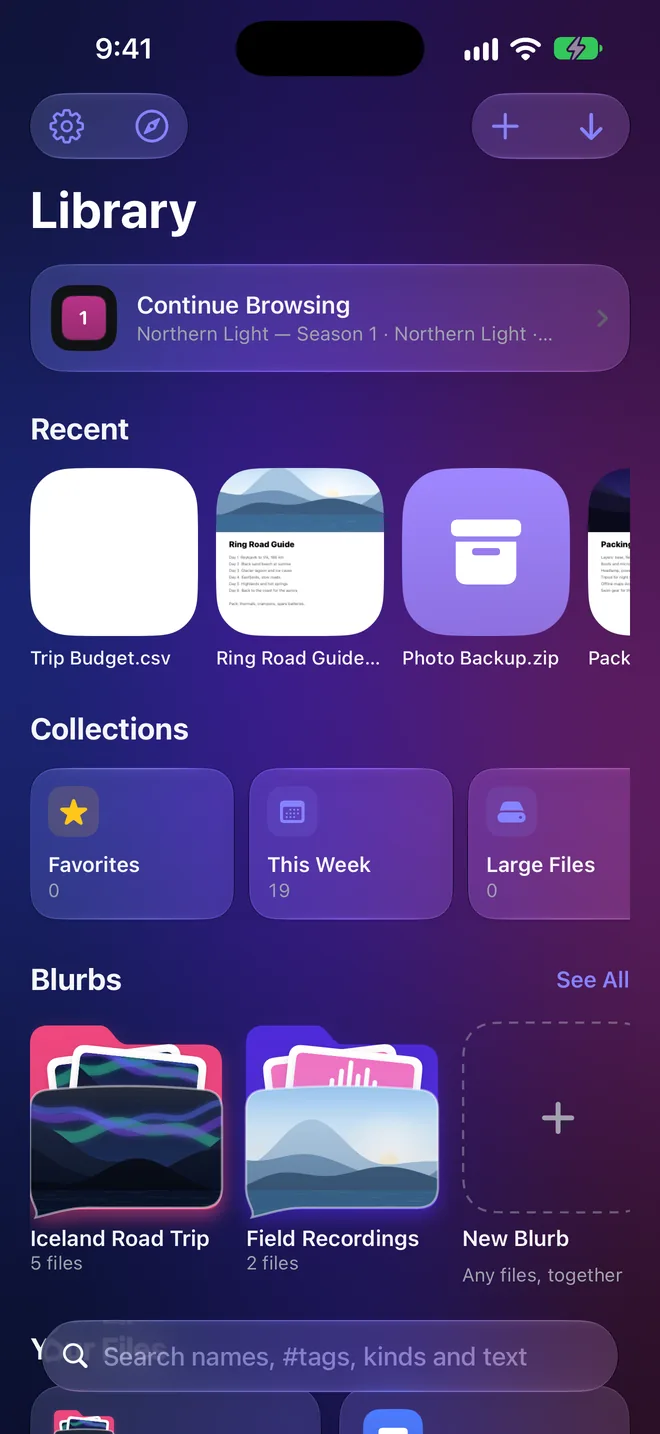
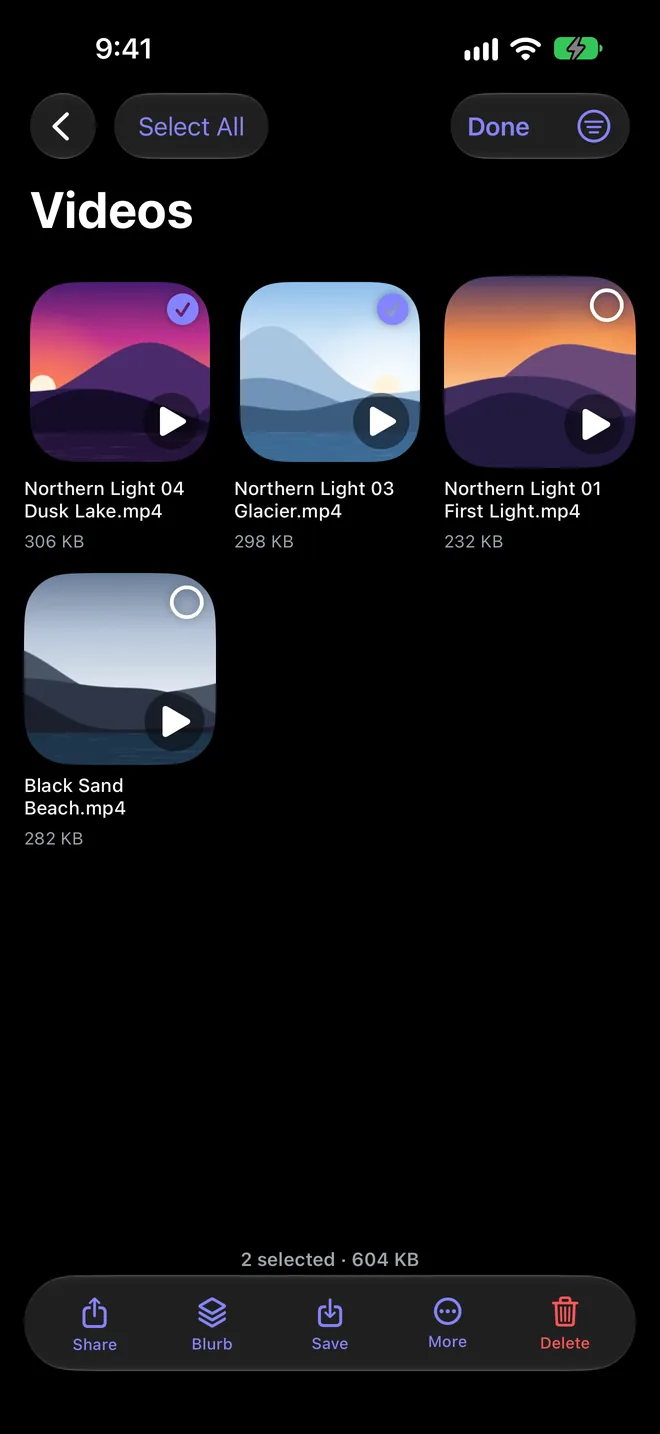
Select many. Act once.
Share, put in a Blurb, save, zip or delete as many files as you like, in one tap.
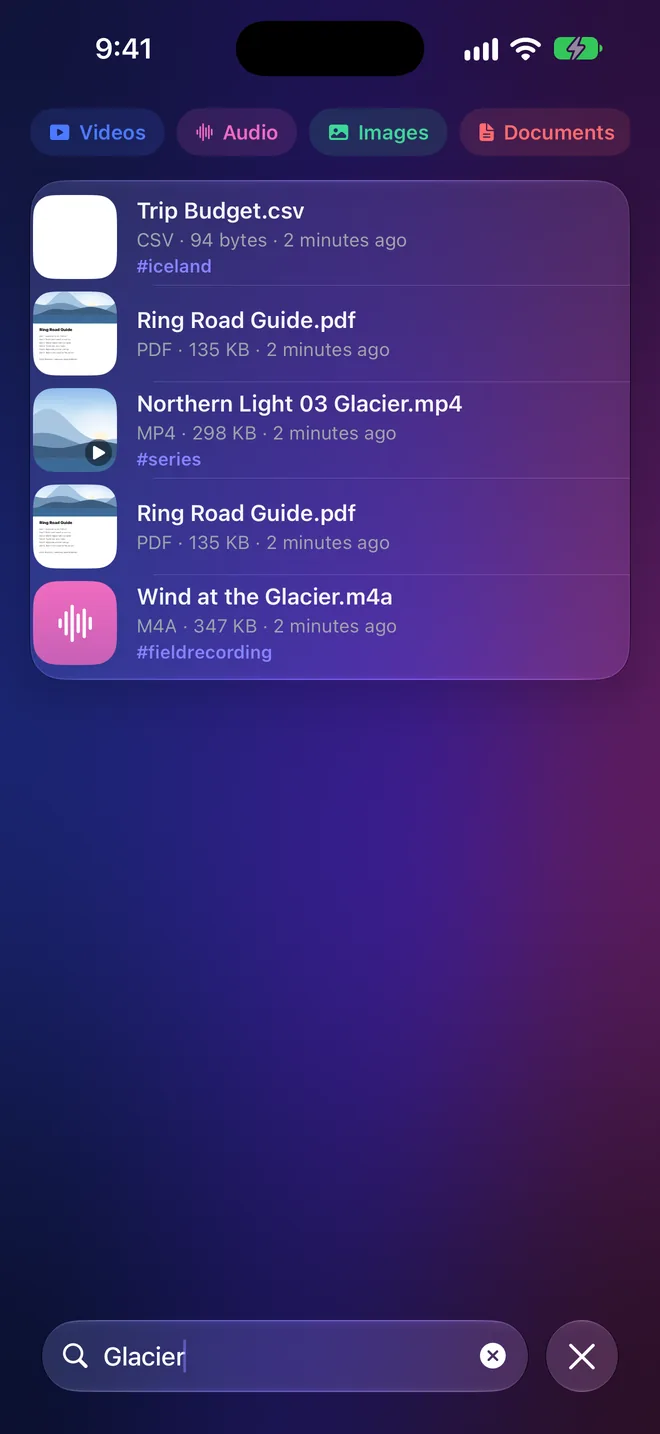
Search inside every PDF
Search names, #tags, kinds and the words inside your documents, with filters for Videos, Audio, Images and Documents.
Questions
Can I add files I didn't download?
Yes. Import from Files or Photos, send files from other apps, or drop them into the DOWNLOAD IT folder in iCloud Drive.
Do I have to organize anything?
No. Files sort themselves by type. Use Blurbs and #hashtags only if you want to.
Everything on the web, one tap from yours.
DOWNLOAD IT is coming soon to the App Store for iPhone, iPad and Mac.